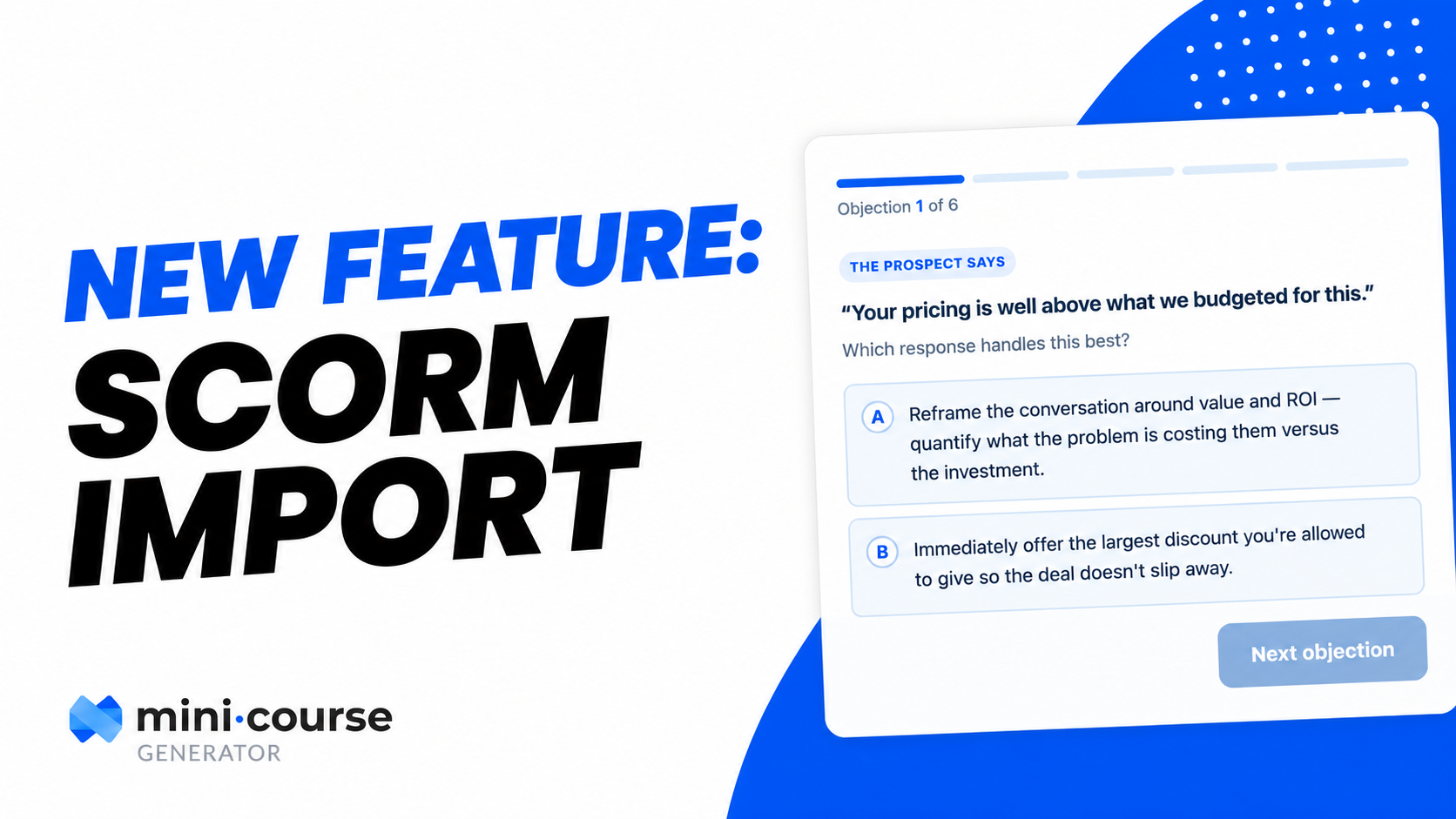
Introducing the SCORM Upload Block
1781786400000
When we launched the Mini Course Generator MCP, the idea was simple: create entire courses straight from Claude or ChatGPT. Just describe what you want to teach, and the AI builds it; including genuinely interactive learning activities, personalized to exactly what your learners need.
But there was a missing piece. Those AI-generated activities needed a clean way to land inside your course.
So we built it.
Introducing the SCORM Upload Block.
Now your AI tool can generate a custom SCORM activity and drop it directly into your course. The full loop, from prompt to published activity, happens in a single workflow:
🤖 Your AI builds it: Describe the activity, and the MCP generates a custom, interactive SCORM piece shaped to your topic and audience.
📥 The block places it: The SCORM Block puts that activity straight into your course. It also accepts SCORM content you already have from another LMS or authoring tool.
📊 You see the analytics: Track how learners interact with these SCORM activities.
📽 Watch how the SCORM Upload Block works